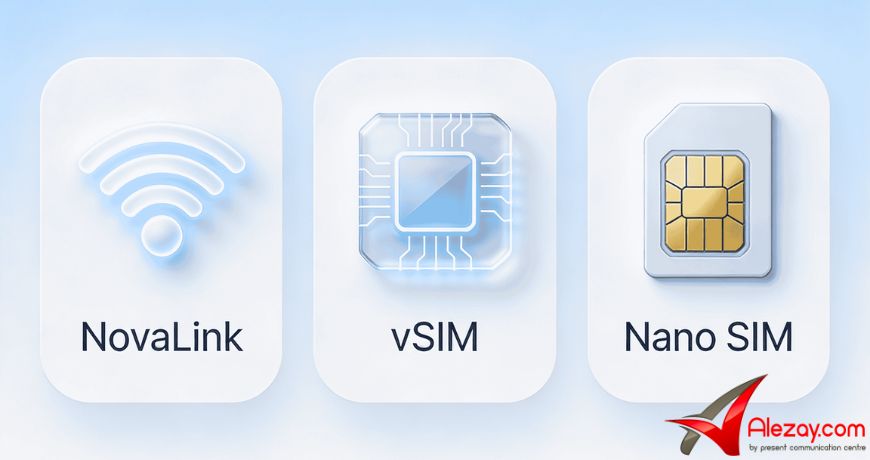
The iKKO MindOne Pro doesn’t connect to the internet like a regular smartphone. It comes with three separate connection options: NovaLink, vSIM, and a physical Nano SIM slot. Each one handles a different job. This Alezay guide breaks down exactly what each connection does, what it doesn’t do, and when to use which one.
Quick Comparison: NovaLink vs vSIM vs Nano SIM
|
NovaLink |
vSIM |
Nano SIM |
| Cost |
Free |
Pay-as-you-go top-up |
Your carrier plan |
| Coverage |
60+ regions |
140+ countries |
Carrier-dependent |
| What it covers |
iKKO AI tools only |
Full data — apps, browsing, streaming |
Calls, SMS, and data |
| Calls & SMS |
NO |
NO |
YES |
| Hotspot sharing |
NO |
YES |
YES |
| Setup required |
None — auto on power-on |
Top-up in phone settings |
Insert physical SIM |
What Is NovaLink?
NovaLink is iKKO’s built-in virtual connectivity system, designed exclusively for AI tools inside iKKO AI OS. It activates automatically the moment you power on the MindOne Pro no SIM card, no Wi-Fi setup, no account creation required. It provides free internet access in 60+ regions, but only for iKKO’s own tools: translation, voice notes, AI summaries, and the built-in assistant.
NovaLink is not a general-purpose internet. You cannot use it to open Instagram, load a webpage, or stream a video. It exists for one purpose, keeping iKKO AI OS tools connected without a carrier plan. For travelers, this means AI features are live the second you land, with no local SIM required. To understand what those AI tools actually do, read Alezay’s breakdown of how iKKO AI OS works.
What Is vSIM on the MindOne Pro?
vSIM is the MindOne Pro’s built-in paid data option. It connects to local networks in 140+ countries and delivers full internet access browsing, app downloads, streaming, and hotspot sharing. You top up data directly inside the phone’s settings on a pay-as-you-go basis. No physical SIM card needed, no carrier contracts, no roaming agreements to manage.
One critical limitation to know before relying on vSIM: it is data-only. It does not support voice calls or SMS. If you need to call or receive messages, you still need a physical Nano SIM in the slot. vSIM handles your data abroad. Your Nano SIM handles your calls and texts.
What Does the Nano SIM Handle?
The Nano SIM slot works exactly like any standard smartphone. Insert your existing SIM from Zain, Ooredoo, STC, or any global carrier and you get calls, SMS, and your carrier’s data plan on the MindOne Pro. For daily use in Kuwait, this is the most straightforward option. Nothing new to learn, nothing to configure.
The slot supports global 4G+ LTE bands, so it works internationally. If you already have a roaming plan on your existing SIM, it covers calls, texts, and data abroad without needing to top up vSIM separately. Both connectivity systems can run at the same time, they don’t conflict.
Can You Use All Three Connections at Once?
Yes. The three options are not mutually exclusive. Most users run all three simultaneously without any conflicts: NovaLink keeps AI tools connected in the background automatically, the Nano SIM handles calls and messages through your carrier, and vSIM serves as a backup data option when traveling without a local SIM. Each layer operates independently.
Which Connection Should You Actually Use?
The right answer depends on what you’re doing:
- For iKKO AI tools: NovaLink handles it automatically. No action needed from you.
- For daily use in Kuwait: Insert your existing Nano SIM. It covers calls, texts, and data on your current plan without any extra cost.
- For international travel without roaming: Use vSIM. Top up data in the phone settings before or after you land. Works in 140+ countries.
- For hotspot sharing: Use vSIM or your Nano SIM data. NovaLink does not support hotspots.
- For off-grid or no-signal situations: NovaLink keeps your AI tools running even when your carrier has no signal, as long as you’re in a supported region.
Check out now iKKO MindOne Pro at the best price from Kuwait Best Online Mobile Store Alezay.
Frequently Asked Questions
Is NovaLink free on the MindOne Pro?
Yes. NovaLink provides free internet access for iKKO AI tools in 60+ regions with no SIM card and no subscription. It is not free general internet, it only covers tools inside iKKO AI OS. For full browsing and app access, vSIM or a Nano SIM is required.
Does vSIM support calls and text messages?
No. vSIM on the MindOne Pro is data-only. Voice calls and SMS are not supported through vSIM. For calls and texts, insert a physical Nano SIM connected to your carrier plan.
Can I share a hotspot through NovaLink?
No. Hotspot sharing is not available through NovaLink. You can share a mobile hotspot through vSIM or through your Nano SIM carrier data, but not through the NovaLink connection.
Do I need to set up NovaLink manually?
No. NovaLink activates automatically in supported regions when the device is powered on. There are no settings to configure for basic free AI tool access.
Can I use vSIM and my Nano SIM at the same time?
Yes. Both can be active simultaneously. The Nano SIM handles calls and texts while vSIM provides data access independently. NovaLink also runs in the background for AI tools, all three connections can operate at the same time without conflicts.






 Xiaomi Mi 8 Lite Tempered Glass 9H Full Glue Edge to Edge High quality Protective Glass Film Screen Protector - Black
2 × 1.00 د.ك
Xiaomi Mi 8 Lite Tempered Glass 9H Full Glue Edge to Edge High quality Protective Glass Film Screen Protector - Black
2 × 1.00 د.ك  Asus ROG Phone 2 Tempered Glass Screen Protector
1 × 3.00 د.ك
Asus ROG Phone 2 Tempered Glass Screen Protector
1 × 3.00 د.ك 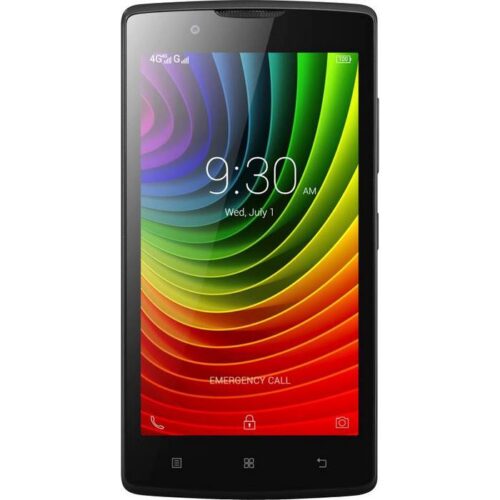 Lenovo A2010 Dual sim (Without Camera), 1GB+8GB Phone, 4G LTE
1 × 17.00 د.ك
Lenovo A2010 Dual sim (Without Camera), 1GB+8GB Phone, 4G LTE
1 × 17.00 د.ك 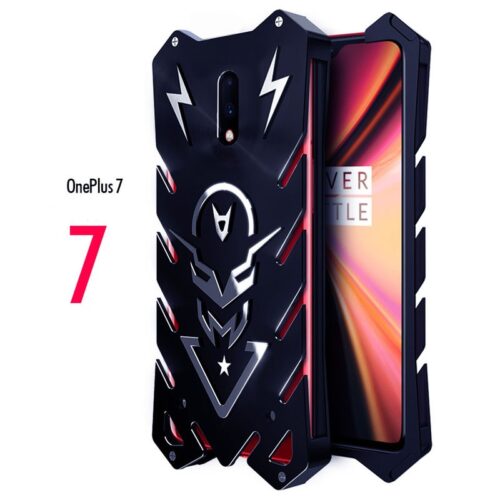 Oneplus 7 Aviation Aluminum Alloy Shockproof Armor Metal Case Cover
1 × 2.00 د.ك
Oneplus 7 Aviation Aluminum Alloy Shockproof Armor Metal Case Cover
1 × 2.00 د.ك  Xiaomi Redmi 5 Plus Tempered Glass 9H Full Glue Edge to Edge High quality Protective Glass Film Screen Protector - Black
2 × 1.00 د.ك
Xiaomi Redmi 5 Plus Tempered Glass 9H Full Glue Edge to Edge High quality Protective Glass Film Screen Protector - Black
2 × 1.00 د.ك  Nokia Classic N108 Dual SIM Phone
1 × 4.00 د.ك
Nokia Classic N108 Dual SIM Phone
1 × 4.00 د.ك  Samsung Galaxy S10 Plus Aviation Aluminum Alloy Shockproof Armor Metal Case Cover
1 × 9.00 د.ك
Samsung Galaxy S10 Plus Aviation Aluminum Alloy Shockproof Armor Metal Case Cover
1 × 9.00 د.ك 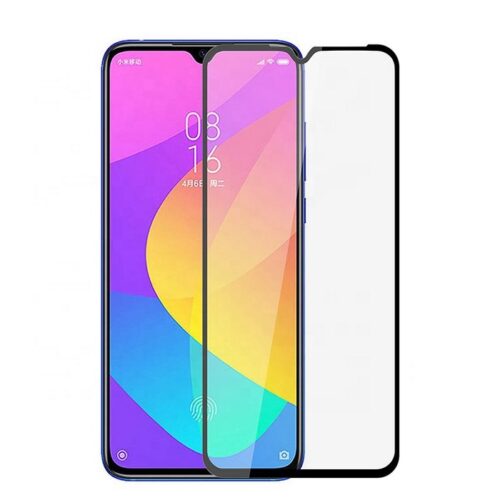 Xiaomi Mi A3 Tempered Glass 0.3mm 9D High quality Protective Glass Film Screen Protector - Black
1 × 1.00 د.ك
Xiaomi Mi A3 Tempered Glass 0.3mm 9D High quality Protective Glass Film Screen Protector - Black
1 × 1.00 د.ك 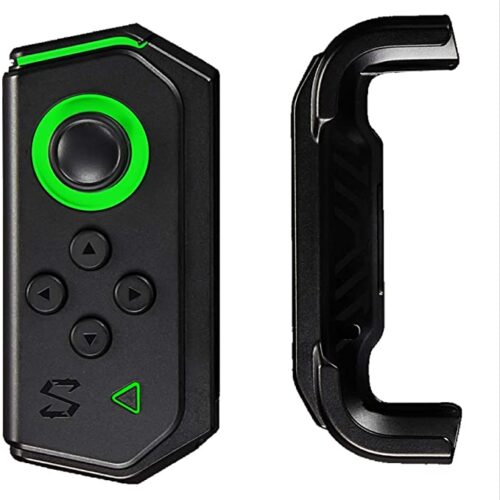 Black Shark 2 Rookie Kit
1 × 4.00 د.ك
Black Shark 2 Rookie Kit
1 × 4.00 د.ك